
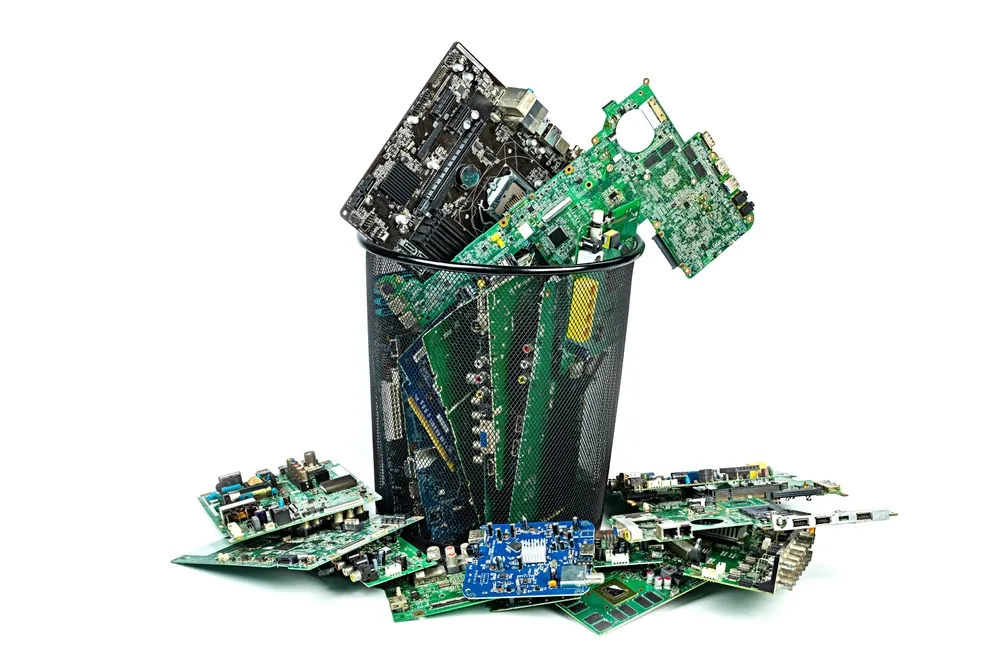
Computer recycling in the UK involves more than finding somewhere to take an old PC. Before equipment leaves your home or workplace, decide what can be reused, protect the information it holds and choose an appropriate collection or drop-off route.
This guide explains how to prepare computers for recycling and what to ask a provider. If you are ready to arrange a business collection, see our computer recycling service. For a project involving several requirements, compare our IT recycling and data destruction services.
What happens to a computer when it is recycled?
The route depends on its condition, the components inside it and the information stored on it. A working computer may be suitable for reuse after appropriate checks and data treatment. Equipment that cannot be reused can be dismantled so materials and components can enter suitable recovery processes.
Recycling, refurbishment and data destruction serve different purposes. Recycling deals with the equipment and its materials; data treatment deals with the information. Agree both before handing over a device.
Prepare old computers before collection
1. Make an equipment list
Record the number and type of devices, their condition and where they are stored. For a business clearance, include asset tags or serial numbers where available. Note computers that will not start, missing drives and any damaged equipment.
Tell the provider about access restrictions, stairs, parking and collection deadlines. Flag damaged or swollen batteries in advance and ask for handling instructions rather than opening or attempting to repair them.
2. Back up what you need to keep
Check that important files have been transferred to an authorised location and that the backup can be accessed. For workplace equipment, obtain approval from the person responsible for IT and records before removing information or retiring a device.
Check whether records must be retained before deleting them. Do not send passwords or sensitive files through a general collection enquiry form.
3. Agree the data treatment
Deleting files or emptying the recycle bin should not be treated as proof that a drive has been sanitised. The appropriate method depends on the storage media, its condition, the sensitivity of the information and whether reuse is intended.
Secure erasure may allow suitable working storage to be reused. Physical destruction may be appropriate where reuse is not required or an acceptable erasure outcome cannot be achieved. A failed drive still needs consideration because it may retain information.
Our data destruction service explains the available routes. For a physical destruction requirement, see hard drive shredding; where work must take place at your premises, discuss onsite data destruction.
The ICO guidance on deleting data from computers and other devices provides further background. Avoid attempting physical destruction yourself.
Household and business computer disposal
For a household computer, check the electrical recycling options offered by your local council or an appropriate retailer, including any acceptance conditions. Prepare its data before handing it over; accepting a computer for recycling does not by itself establish what data treatment will be provided.
For business equipment, confirm that the provider accepts your waste and can explain its collection and processing arrangements. Check the relevant waste carrier registration and any permissions appropriate to the work. Keep the transfer and processing records agreed for your collection.
Start with GOV.UK guidance on business waste responsibilities and follow the guidance for your UK nation and waste type. Waste handling requirements and data protection responsibilities are separate considerations.
Questions to ask an IT recycling provider
- Which equipment and quantities will you accept?
- Will working equipment be assessed for reuse, and what happens to the rest?
- How will data-bearing devices be tracked and treated?
- How do you handle drives that fail erasure or cannot be read?
- What collection, asset and data-treatment records will we receive?
- Which registrations and certifications apply to the work, and can we verify them?
- What will the collection and any additional services cost?
Ask for the scope and outcome of any certificate or report. A document should describe the work agreed and performed; it is not a substitute for checking the provider and its processes.
What affects computer recycling costs and timing?
Equipment type, quantity, location, site access, condition, data-treatment method and reporting requirements can affect the quote. Onsite work and specific deadlines should be discussed before booking. Free collection and same-day availability should never be assumed.
Computer Waste Recycling offers free collection for 20 or more desktops, laptops or servers. Other collections are quoted individually. Collections are normally arranged within seven working days, subject to availability and your requirements; confirm the arrangements for your equipment and location.
Keep useful records after the equipment leaves
For a business project, reconcile the agreed collection list with your asset register and retain the relevant records under your organisation’s policies. Check any discrepancies and outstanding data-treatment results with the provider.
If you need help defining the inventory and reporting scope, see audits and reporting. Keep personal information in asset records limited to what is necessary for the task.
Frequently asked questions
Does every hard drive need to be shredded?
No. An appropriate, verified erasure process may support reuse of suitable media. Physical destruction is another route. Agree the method for the media, condition and security requirements involved.
Can a computer that does not start still contain data?
Yes. A computer failing to start does not establish that its storage is empty or unreadable. Include it in the equipment list and agree how its storage will be handled.
Can I recycle laptops with desktop computers?
Ask the provider to confirm the equipment accepted and any battery-handling requirements. Our laptop recycling service covers business laptop enquiries.
How do I arrange a business computer collection?
Prepare your equipment list, collection postcode, access details and data-treatment requirements. Then request a collection quote so the scope, timing, documentation and any charges can be confirmed.


