
Business IT collections
Computer and IT recycling in Cambridge
Arrange collection of retired computers, laptops, servers and other business IT equipment across Cambridge.
Plan secure data treatment, equipment reuse or recycling, and the documentation you need before collection. From an office refresh to a multi-site clearance, tell us what needs to go and how your building operates.
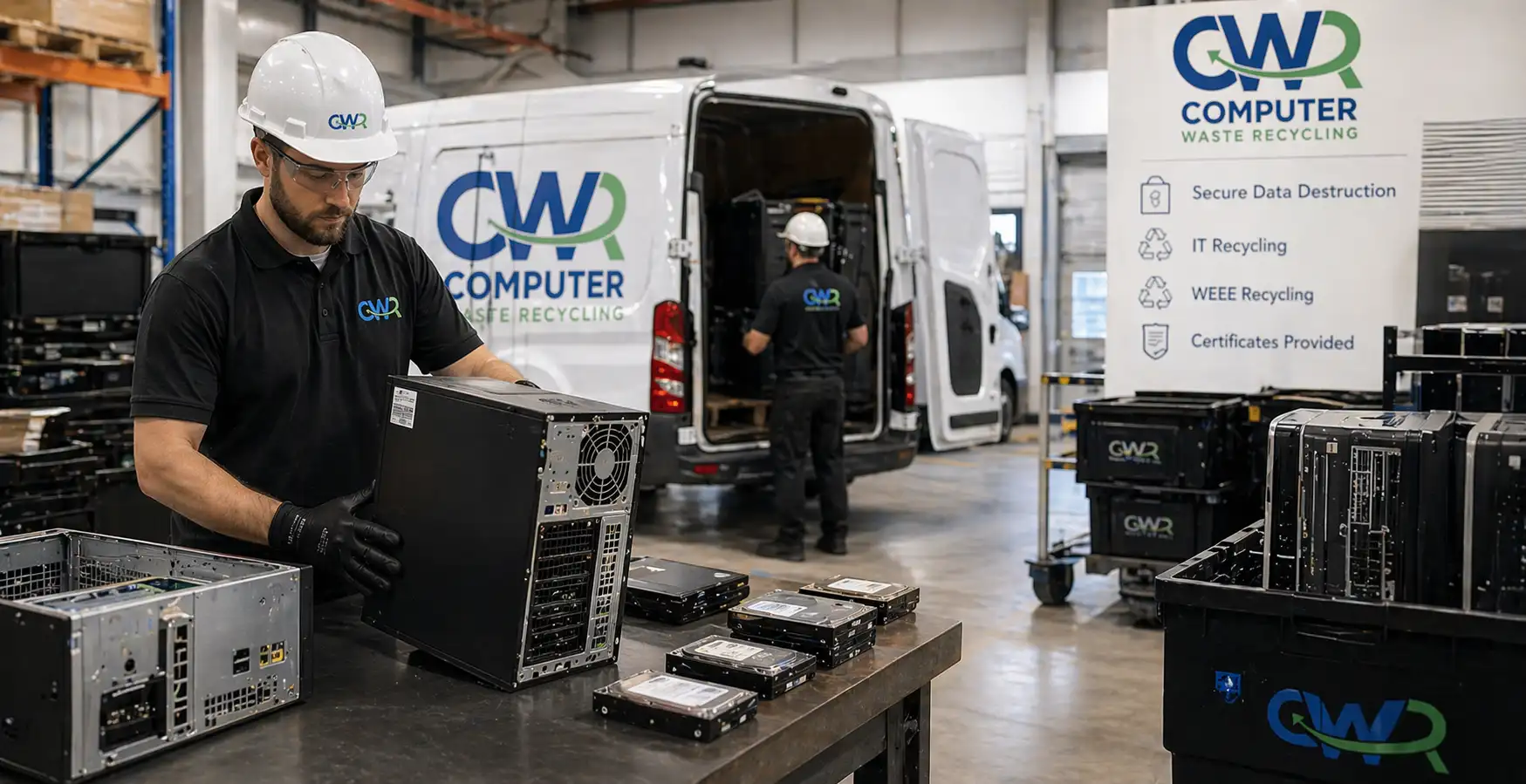
Equipment we collect
Computer recycling and IT disposal for Cambridge businesses
Plan retired computers, laptops and storage media from offices, laboratories and shared facilities as one inventory. Include MacBooks, thin clients, research workstations and data-logging PCs alongside standard office equipment. List working, obsolete and damaged items so their collection and treatment route can be agreed.
Separate data-bearing equipment from other hardware on the list. Flag damaged batteries, specialist devices and any items still fitted in racks or workstations.
Tell us the types and quantities
- Desktop computers, workstations, laptops and MacBooks
- Servers, storage arrays and networking equipment
- Hard drives, SSDs and other storage media
- Monitors, docking stations, printers and peripherals
- Business phones and tablets: confirm suitability
List UPS units, batteries and specialist equipment separately so their handling can be confirmed.
Planning your collection
Work around your Cambridge building’s access rules
For city-centre offices, station-area workspaces and research campuses, explain loading access, parking restrictions, goods-lift bookings, security sign-in and induction requirements. Identify equipment held across departments or shared buildings, and name a contact who can authorise the handover.
Share your office-move or lease handover deadline early. Access, vehicle arrangements and collection availability need to be confirmed before you book.
Confirm eligibility and timing
Free collection is available for 20 or more desktops, laptops or servers. Send the full inventory so eligibility and any additional requirements can be confirmed. Other collections are quoted before booking.
Collections are normally arranged within seven working days, subject to availability. Tell us about urgent deadlines so the team can confirm what is possible.
Data-bearing equipment
Agree how your data will be treated
Deleting files or reformatting a drive is not a substitute for an agreed sanitisation process. Identify the media, its condition, any reuse restrictions and the level of verification your organisation requires.
Discuss secure erasure where suitable, or physical destruction where reuse is not required or an acceptable erasure outcome cannot be confirmed. Ask about onsite processing and witnessing if media must remain at your premises until destruction.
Explore data destruction · Hard drive shredding · Onsite data destruction
Records and reconciliation
Specify the records your team needs
Research workstations, lab PCs and servers may hold unpublished results, trial data, source code, patient information or commercially sensitive work. For biotech, software, healthcare, education and professional teams, agree the asset identifiers, handling records and erasure or destruction documentation before work starts.
Confirm whether your project needs individual serial numbers, an asset report, transfer records or a certificate covering the agreed items. Discuss discrepancies, failed or unreadable media and how exceptions will be recorded.
If you need reuse, recycling or sustainability information, specify the measures and reporting scope in advance. Ask which records can be supplied rather than assuming every collection includes carbon estimates.
Services for your site
Choose the support your equipment needs
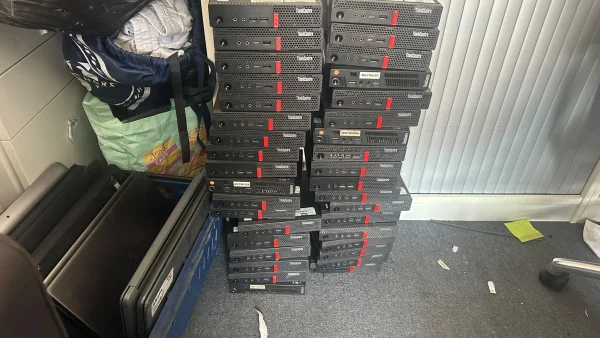 Computer recyclingDesktops, workstations and redundant business computers.
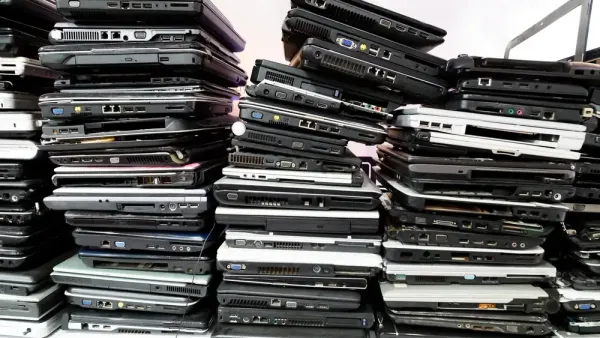 Laptop recyclingBusiness laptops and MacBooks, with data treatment agreed before collection.
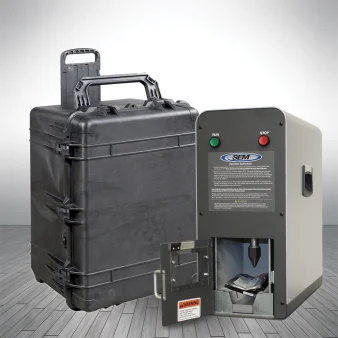 Data destructionAgree secure erasure or physical destruction for hard drives, SSDs and other storage media.
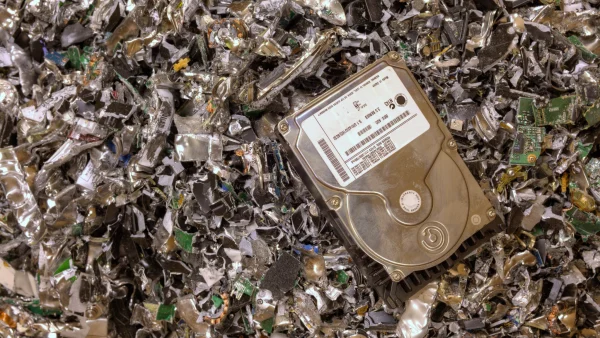 Hard drive shreddingPhysical drive destruction, with the method and records agreed before booking.
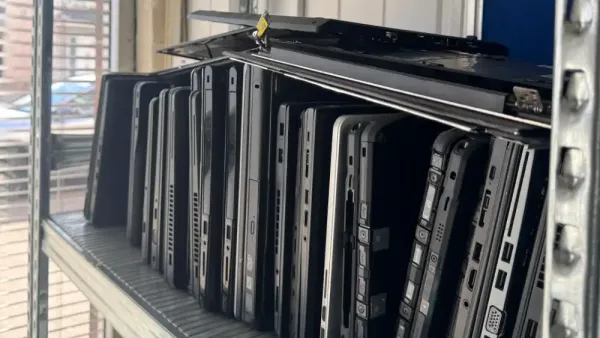 IT asset managementPlan equipment inventories, asset handover and end-of-life IT arrangements.
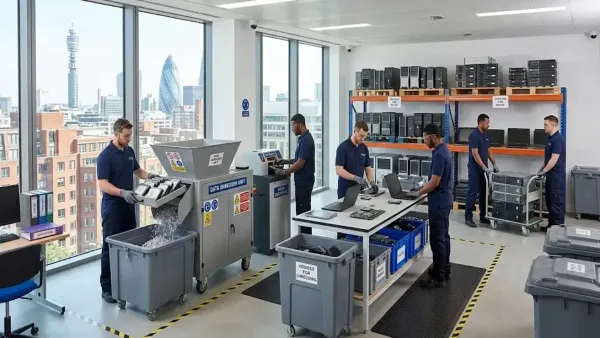 Audits & reportingAgree the asset records, reconciliation and reporting your organisation needs.
Include any confidential paper records in your enquiry so paper shredding can be discussed alongside the IT collection.
Browse all services →Local collection enquiries
Across Cambridge and surrounding areas
Discuss collections across Cambridge’s office districts, science parks and research areas. Send the exact postcode, equipment list and access requirements so arrangements can be confirmed for your site. A listed area describes a collection enquiry area, not an office or an existing customer relationship.
For projects across several offices, include each address and equipment list in one enquiry. Sites outside Cambridge can be discussed as part of the same collection plan.
- City Centre / Station Road / CB1
- Hills Road / Trumpington
- Cambridge Science Park
- St John’s Innovation Park
- Cambridge Business Park
- Cambridge Biomedical Campus
- West Cambridge / Peterhouse Technology Park
- Granta Park / Babraham: confirm by postcode
- Cambridge Research Park / Waterbeach
- Other areas: confirm by postcode
Server rooms and specialist assets
Plan laboratory IT and server-room clearances
For laboratory upgrades, departmental moves and server-room clearances, list workstations, storage arrays, backup devices, switches, firewalls and rack-mounted equipment. Explain whether devices are disconnected and whether decommissioning, rack access or a particular handover process needs to be discussed.
For leased hardware, confirm disposal authorisation and lease-return requirements before including it. List UPS units, batteries and specialist research or electrical equipment separately. Explain any handling restrictions or contamination concerns so suitability can be confirmed before the visit.
Nearby sites and mixed collections
Include the whole project in your enquiry
For sites around Ely, Newmarket, Huntingdon, St Neots, St Ives, Royston, Saffron Walden, Haverhill or Bury St Edmunds, send the full address and equipment list so availability can be checked. Include locations along the A14 or M11 in the same enquiry; access, timing and any costs are confirmed before booking.
If confidential paper archives or several business addresses are involved, include them in the same enquiry so the collection, data treatment and reporting can be planned together.
Before collection
Prepare your computers for collection
Read our computer recycling preparation guide, or explore the difference between IT asset disposal and IT recycling. For a business collection, send your equipment list and postcode so the service requirements can be confirmed.
How it works
Your collection in three steps
- 01
List your equipment and site details
Send quantities, media types, postcodes and building-access requirements. Include your deadline and any witnessing or reporting needs.
- 02
Agree the collection and treatment
Confirm eligibility, any costs, timing, handover arrangements and the appropriate data treatment before booking.
- 03
Reconcile the agreed records
Check the collection and treatment records against your inventory, and follow up any discrepancies or exceptions with the team.
Secure handling, documented
Confidence before you book
Review our published credentials and agree the data treatment and records your Cambridge project requires.

From our existing Trustpilot reviews
“Excellent service and I'd go so far as to say, the best in the business. Always quick to respond to my requests, always go above and beyond…”
Trustpilot reviewer · June 2026
Read the original review ↗
Supporting information
Check credentials and arrangements before booking
Review our published accreditations and registrations, and confirm which processing and data-handling records apply to your project.
View accreditations and documents →
Questions about your Cambridge collection? Call 0330 341 0785 or email our team.
Is business computer recycling in Cambridge free?
Free collection is available for 20 or more desktops, laptops or servers. Send your inventory so eligibility and any additional service requirements can be confirmed. Other jobs are quoted before booking.
Can you collect working and broken laptops or computers?
Include both in your equipment list, with quantities and condition. Highlight damaged batteries, unreadable storage and specialist items so the handling and treatment route can be confirmed.
Can you collect from science parks and research campuses?
Send the site address, security sign-in, induction requirements, loading access and any goods-lift bookings. The team will confirm arrangements for the particular site before booking.
How soon can equipment be collected?
Collections are normally arranged within seven working days, subject to availability. Share an urgent office-move or clearance deadline so the team can confirm available options.
Can data destruction happen before equipment leaves?
Discuss onsite data destruction and any need to witness the work. Media suitability, access, space and the agreed method must be confirmed before the visit.
What documentation will our organisation receive?
Agree the required asset identifiers, collection and transfer records, and erasure or destruction documentation in advance. Confirm the scope of any reporting or sustainability information you need.
Can you handle sensitive research and IP data?
Explain the media types, reuse restrictions, required verification and whether destruction must be witnessed onsite. Agree a suitable treatment route and the records your data protection or IP team needs before collection.
Can you coordinate collections from several Cambridge offices?
Include each site address, inventory, access arrangements and preferred timing in your enquiry. The team will confirm whether the visits can be coordinated.
Arrange your Cambridge IT collection
Send your equipment list, postcode and access details. We’ll help you agree the next step.