How to Dispose of Old Computers
When a business replaces old desktops, laptops or other IT equipment, simply putting them in a skip or general waste bin isn’t a safe or responsible way to dispose of them. Business computers can contain confidential customer information, employee records, passwords, financial details and other sensitive company data. At the same time, electronic equipment must be handled responsibly to prevent unnecessary environmental harm.
Getting computer disposal wrong can expose your organisation to data security risks, potential UK GDPR issues, environmental compliance problems and reputational damage. A discarded computer can still contain recoverable data even after files have been deleted or the device has been reset.
The good news? Disposing of old business computers doesn’t have to be complicated.
With the right IT recycling and data destruction process, your organisation can securely remove sensitive information, ensure unwanted equipment is handled responsibly, recover value from eligible assets and maintain the documentation needed to demonstrate proper disposal.
In this guide, we’ll explain how to dispose of old computers in the UK safely, securely and responsibly, including what to do with the data, how to choose a suitable recycling provider, and the key steps businesses should take before their old computers leave the premises.
Why You Can’t Just Bin Old Business Computers
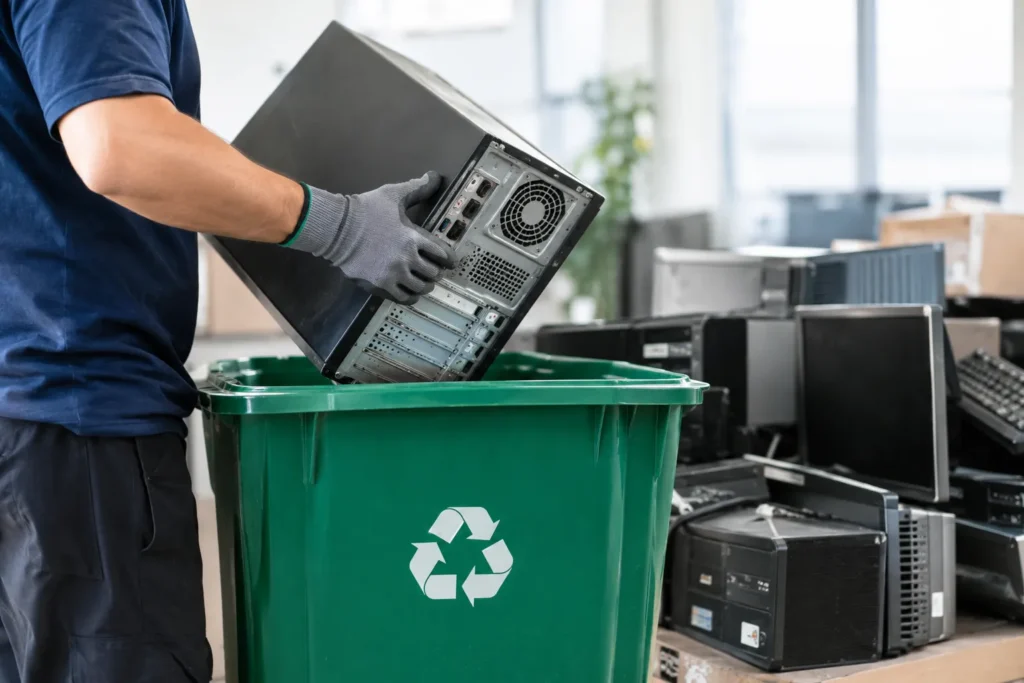
Computers, laptops, servers and monitors are classed as Waste Electrical and Electronic Equipment (WEEE). Under the WEEE Regulations 2013, this equipment must not go into general waste or landfill it has to be handled by an authorised treatment facility.
There are two reasons for this:
- Environmental – Computers contain hazardous substances such as lead, mercury and cadmium, plus recoverable materials like copper, aluminium and traces of precious metals. Dumping them in landfill is both illegal and wasteful.
- Data security – Any device that stored customer records, employee files, financial data or commercial documents is your responsibility under UK GDPR and the Data Protection Act 2018 until that data is permanently destroyed.
Deleting files, formatting a drive, or using the standard Windows “reset” option is not enough. That data can often be recovered with basic forensic software.
Your Legal Obligations When Disposing of Old IT Equipment
Before you dispose of a single machine, it helps to understand the three legal duties that apply to UK businesses:
- Duty of Care (Environmental Protection Act 1990): You are legally responsible for ensuring your waste reaches a licensed handler. This is why you should only work with an Environment Agency registered waste carrier.
- WEEE Regulations 2013: IT equipment must be recycled through an authorised WEEE facility, not binned.
- UK GDPR / Data Protection Act 2018: Personal data must be securely erased or destroyed before equipment leaves your control, with documented proof.
The key takeaway: your responsibility doesn’t end when the equipment leaves the building. It ends when you have documentation proving it was destroyed and recycled correctly.
How to Dispose of Old Computers (Business): Step by Step
Here is the safe, compliant process for retiring business computers.
Step 1 Audit and inventory your equipment
Start by listing every device you plan to dispose of desktops, laptops, servers, hard drives, monitors, networking gear and mobile devices. Note serial numbers and which machines held sensitive data. A clear inventory means nothing goes missing and every data-bearing device is accounted for.
Step 2 Back up and unlink your data
Back up anything you still need, then sign out of and unlink accounts (email, cloud services, licences, MDM). This protects business continuity and makes the later data-destruction step cleaner.
Step 3 Securely destroy the data
This is the stage where businesses should never cut corners. Choose one of two recognised routes:
- Certified data wiping (erasure): Software overwrites the drive to a recognised standard such as NIST 800-88 or HMG Infosec Standard 5 (HMG IS5), using NCSC-approved methods. Ideal when the device still has resale or reuse value.
- Physical destruction / hard drive shredding: The drive is physically shredded so data can never be recovered. Best for high-sensitivity data or when your internal policy requires it.
Either way, insist on a Certificate of Data Destruction (CDD) for your records.
Step 4 Choose a compliant disposal route
For businesses, the sensible route is a certified IT Asset Disposal (ITAD) provider that collects, sanitises and recycles under one roof with no couriers or subcontractors breaking the chain of custody. A good provider handles collection, secure transport, asset logging, data destruction and WEEE-compliant recycling as a single managed service.
Step 5 Collect your documentation
A compliant disposal isn’t complete without proof. Make sure you receive:
- Certificate of Data Destruction (per device or consolidated)
- WEEE recycling certificate
- Waste transfer note / Hazardous Waste Consignment Note (your Duty of Care evidence)
- Asset audit report and, where relevant, an ESG / environmental report
Keep these records retaining disposal documentation for around six years aligns with common UK record-keeping practice, and some regulated sectors require longer.
Data Wiping vs Physical Destruction: Which Does Your Business Need?
| Data Wiping (Erasure) | Physical Destruction | |
| How it works | Overwrites data to NIST 800-88 / HMG IS5 | Drive is shredded or degaussed |
| Device reusable after? | Yes retains resale value | No |
| Best for | Standard business data, reuse/resale | High-risk or highly sensitive data |
| Proof provided | Data wiping report + certificate | Certificate of destruction |
Both are valid. The right choice depends on the sensitivity of the data and whether you want the hardware to remain usable afterwards. Many businesses use a mix wiping laptops for resale, shredding drives from finance or HR systems.
What Happens to Your Computers After Collection?
Responsible providers operate a zero-to-landfill policy. After secure data destruction, each item follows one of three paths:
- Refurbished and reused extending the device’s life (and sometimes earning you a rebate)
- Broken down for parts components reused in repairs
- Recycled into raw materials metals, plastics and precious materials recovered
This supports the circular economy and gives your business a measurable sustainability win to report internally.
How Much Does Business Computer Disposal Cost?
Here’s the good news: for most businesses, IT recycling collection is free. Providers recover value from your redundant equipment, which offsets the cost of collection and processing. Whether a collection is free usually depends on the quantity, condition, type and location of the equipment. Higher-value or larger-volume collections may even qualify for a rebate, while very low-value or specialist items (like CRT monitors) can sometimes carry a small charge always confirmed up front.
How to Choose a Compliant IT Disposal Company (Checklist)
Use this quick checklist before you book:
- ✅ Environment Agency registered waste carrier (ask for the registration number)
- ✅ ISO 27001 (data security), ISO 9001 and ISO 14001 accredited
- ✅ Certified data destruction to NIST 800-88 / HMG IS5, with certificates issued
- ✅ Full chain of custody own vehicles and vetted staff, no third-party subcontractors
- ✅ Zero-to-landfill guarantee
- ✅ All processing carried out in the UK (no export abroad)
- ✅ Complete compliance pack (CDD, WEEE certificate, waste transfer note, asset audit)
Frequently Asked Questions
Can I put old business computers in the bin or skip?
No. Computers are classified as WEEE under the WEEE Regulations 2013 and must be recycled through an authorised facility. Any device holding personal or business data must also have that data securely destroyed first to comply with UK GDPR.
Is deleting files or formatting the drive enough?
No. Standard deletion and formatting can be reversed with forensic tools. You need certified erasure to NIST 800-88 / HMG IS5, or physical destruction of the drive.
Do I get a certificate when I dispose of business computers?
Yes a reputable provider issues a Certificate of Data Destruction plus a WEEE recycling certificate and a waste transfer note, giving you documented proof for GDPR and Duty of Care compliance.
Is business computer disposal free in the UK?
Often, yes. Collection is typically free because the recycler recovers value from the equipment. Cost depends on volume, condition, type and location and is always confirmed before collection.
How many computers do I need for a free collection?
It varies by provider and equipment value, but many offer free nationwide collection for businesses with a reasonable volume of devices. Send your equipment list for a quick assessment.
What’s the difference between recycling and secure IT disposal?
Recycling recovers materials; secure IT disposal (ITAD) adds certified data destruction, chain of custody and full compliance documentation on top essential for any business handling data.
Dispose of Your Old Computers the Compliant Way
At Computer Waste Recycling (CWR), we make secure business computer disposal simple: certified data destruction, WEEE-compliant recycling, full chain of custody and a complete compliance pack with free nationwide collection for qualifying businesses. Millions of items processed. Zero to landfill.
📦 Request a Free Collection » 🔒 Get Certified Data Destruction »
Get in Touch — Computer Waste Recycling (CWR)
Computer Waste Recycling Environment Agency Waste Carrier Registration: CBDU457512
Leicester Office: 46 Jellicoe Road, Leicester, LE5 4FN 📞 03303 410785
London Office: 25 Cabot Square, Canary Wharf, London, E14 4QZ 📞 02046 100985
✉️ info@computerwaste.co.uk 🌐 https://computerwaste.co.uk